
Creating a website is a big business, as well as a seemingly daunting task. Regardless if you’re a web developer or designer, or just someone who wants to get online exposure with little experience, web design planning will make the process a lot easier.
In this article, you’ll learn some of the important things one should consider when designing a website.
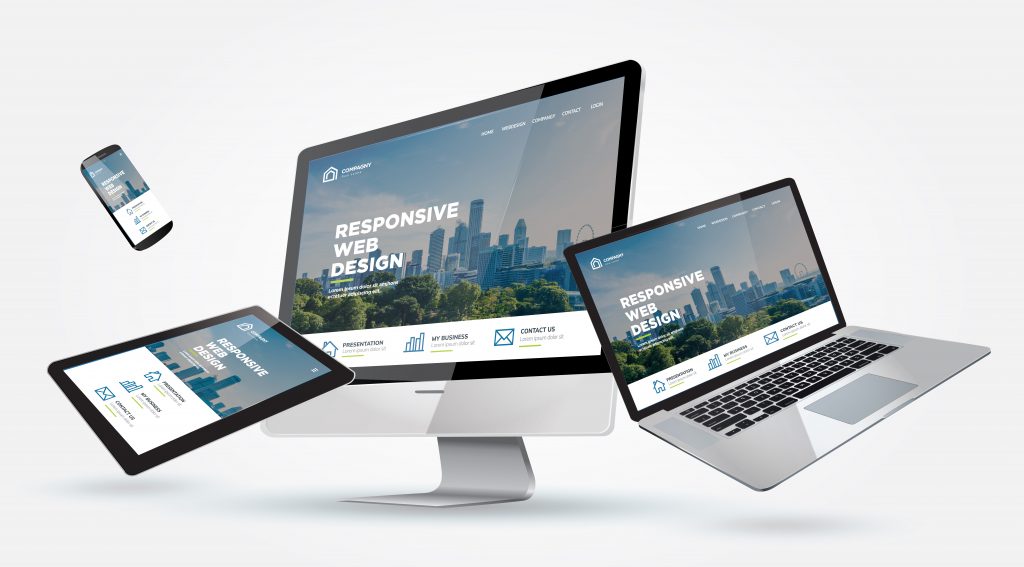
1. User Experience
User experience in web design refers to how easy it is to use and navigate a website. It’s crucial to consider this aspect when creating a website because it dictates how user-friendly your website is to a wide array of users. The level of difficulty in finding information, content placement, directions, and navigational tools influence user experience.
Take a look at the following web design tips when considering user experience:
- Create Sitemaps: This post explains that site mapping is vital to user experience and building good information architecture. A visual sitemap generator is a powerful tool you can use to create sitemaps online, giving you more freedom to get your ideas down, test and modify website structures, and communicate strategic web design plans visually.
- Place A Call-To-Action In Every Page: Calls-to-action (CTAs) refer to a directional tool, such as a link, button, or form that aims to help web visitors take the next step, like setting an appointment, signing up for your newsletter, or availing of a product. It’s quite easy to miss placing CTAs when focusing on the overall web design elements such as the look, feel, and layout of a web page. However, CTAs deserve special attention.
- Choose Easy-To-Read Fonts And Colors: Choose a font that users can easily read without zooming in or out, and always aim for a good font and background color contrast without overwhelming the eyes.
- Remove Web Elements Slowing Down Speed: External scripts, embedded videos, large image sizes, poorly coded plugins, improper compression, and an inadequate web host server slow down web page loading speeds. So, removing these elements can help improve the user experience on your website.
2. Website Layout
Basic web design principles apply when laying out the front page and other web pages. Consider the balance of text and images, as well as page organization. A simple structural layout promotes better user navigation.
There are different types of web layouts such as a single column layout, recommended for minimalistic personal blogs. A grid of cards web layout is clickable and suitable for content-heavy sites, displaying many items or elements with equal hierarchy. Another type is a split screen layout, perfect when your website offers different variations. On the other hand, you can use an asymmetrical web layout to create unexpected and expected layouts, and provide directional emphasis at the same time.
Check these website layout design tips:
- Limit Visual Cues: Visual cues shouldn’t confuse users with your layout, so keep them to a minimum.
- Reuse Existing Web Layouts: Remember that reusing existing web layouts is efficient, familiar, and cost-effective, giving you more time to focus on other web design aspects, such as visual hierarchy.
- Wireframing: Wireframes pertain to a simplified visual guide, often in black and white, representing a website’s skeletal framework. Consider wireframing before designing the actual interface so you can easily change the web layout and test your design.
- Choose Easy-To-Digest Layouts: Consider the level of tech-savviness of your target audience when creating your web layout. As much as possible, use predictable and easy-to-digest layouts, depending on the purpose of the web page, such as user education, entertainment, or advertising.

3. Imagery
Web images deliver deep messages that texts cannot fully explain. That’s why images are better attention-grabbers than texts, invoking different emotions at a time. Successful images are appropriately sized and have high quality, with proper exposure and composition to make a big difference to the page’s overall look.
Here are some web design tips for effective imagery:
- Use Full-Width Images: High-resolution full-width images enhance a website’s visual appeal. It will make your website look stunning on screens. You can enhance images with impressive animation effects, such as parallax scrolling, for a captivating look to get your audience more immersed.
- Directional Images: Use images to guide your visitors toward your content. For instance, you can use the image of a baby on their side or rear view to focus your audience’s eyes to the diaper and your listing text content rather than the baby’s face.
- Make Images Credible: Include images of content contributors or other significant people in your business to make your images credible, such as profile photos of artists for paintings being sold on your website.
4. Content
Aside from images, it’s also essential to consider the other content elements of your website. Text-based content should take into account the relevance of the topics to your brand. It’s important to keep your content:
- Informative: This helps visitors find answers to their queries and concerns. Your content should be something that your target audience can relate to and make use of, such as guides, tutorials, and factual references. You might want to add case studies, statistical data, or current news and events, and then sharing your opinions or insights.
- Unique: Offer valuable content not found elsewhere, helping increase your trust rating or credibility. Create your content with the intent to attract more customers.
- Engaging: Entice your visitors to come back to your website to check your new content and, eventually, avail of your offerings. Keep your content engaging by leaning onto your web design strengths, such as designing infographics and memes, for instance.
- Search-Engine Optimized: Search engine optimization (SEO) critically affects your website’s ranking in major search engines. Optimizing your content involves carrying out keyword research, structuring your content, writing catchy titles, writing SEO-friendly URLs, using short paragraphs, adding links that make sense, and optimizing meta descriptions and images.
Conclusion
You’ve just learned the key things you need to consider in designing your website. Whether you’re a novice or seasoned web designer, considering the user experience, website layout, imagery, typography, speed, and content are crucial in the success of your online presence. Apply the tips shared in this article to keep you guided in your web design process.


 Want to know how your business stacks up against the competition?





0 Comments